Introduction
In this
tutorial, I’ll walk you through the SSMS system, starting from login and
showing you how to navigate the main interface.
This
demonstration is designed to help both new and existing users quickly
understand how to get started with the system.
🔐 Logging Into SSMS
Let’s
begin with logging into the system.
First,
open your web browser and enter your SSMS website address.
For example: https://ssms.lakesoft-solutions.com
On the
login page, you will see two main fields:
- The Email Address
field
- The Password field
Enter
your registered email address here, then type in your password.
Once
done, click on the Login button to access the system.
👤 First-Time Login Experience
If this
is your first time logging in, your system administrator would have
provided you with login credentials.
After
signing in:
- You may be prompted to change
your password
- You may also be asked to complete
your profile information
This step
helps secure your account and personalize your experience within the system.
🔁 Forgot Password Process
If you
ever forget your password, don’t worry. The system makes it easy to recover
access.
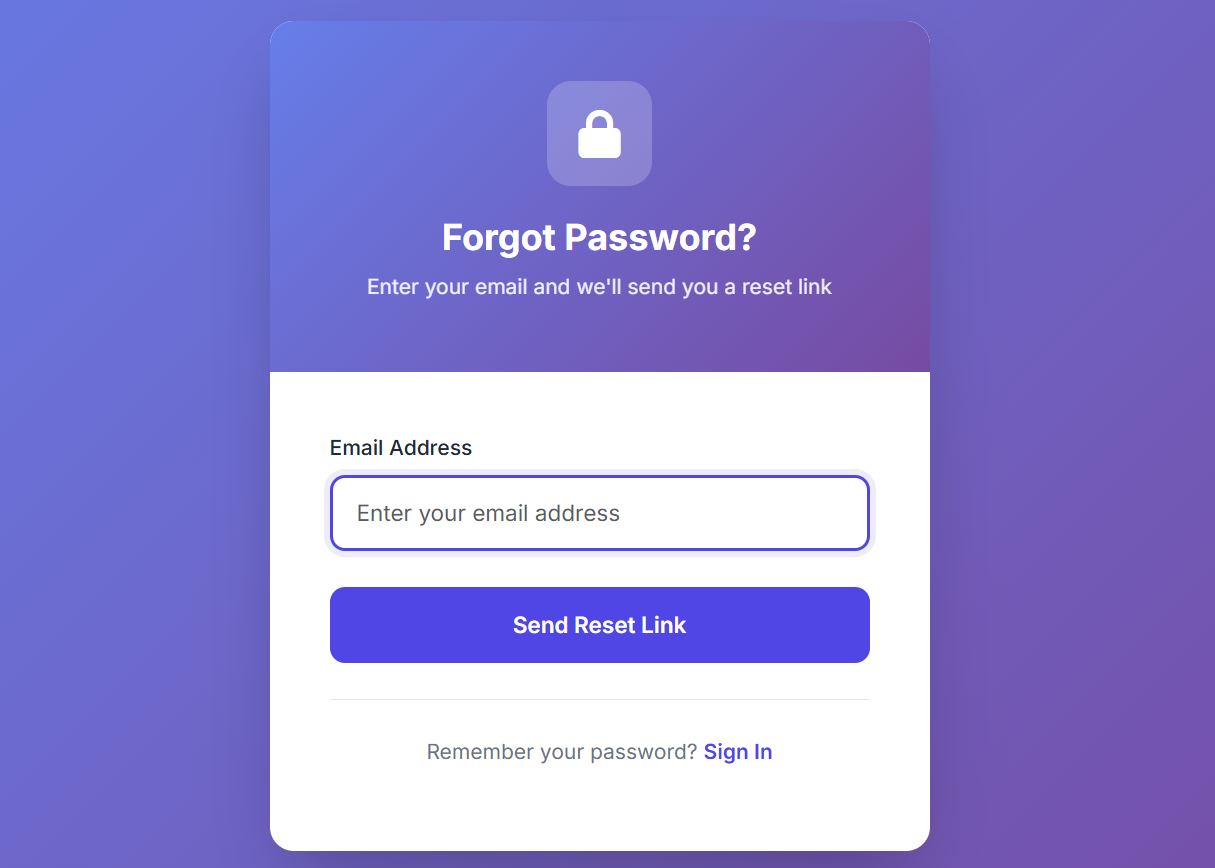
On the
login page, click on the “Forgot Password?” link.
Next:
- Enter your registered
email address
- Click submit
You’ll
receive an email containing instructions to reset your password.
Follow the link in the email and create a new password.
🧭 Navigation Overview
Once you
are successfully logged in, you’ll be taken to the main dashboard.
Let’s
briefly explore the interface.
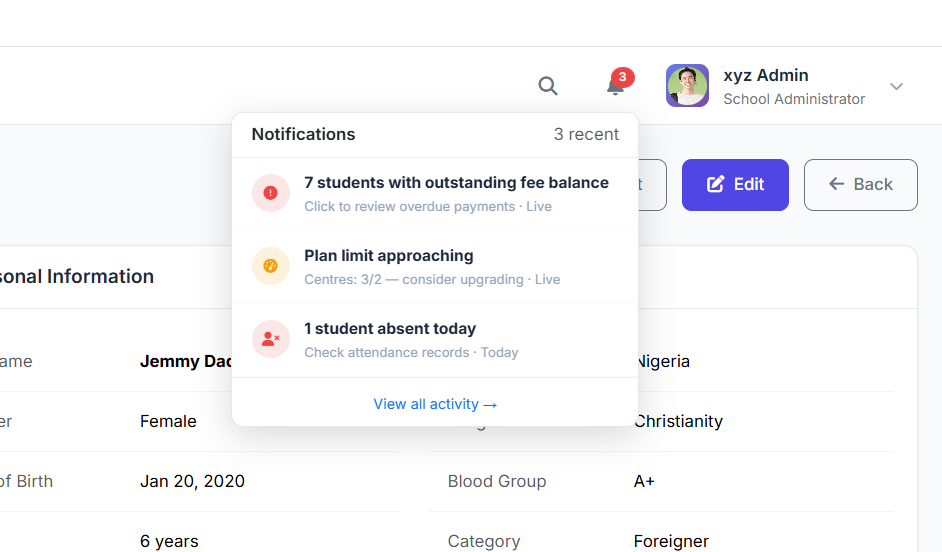
- At the top, you’ll
see the Header Bar, which includes your profile, notifications, and
quick actions.
- On the left-hand side,
you have the Sidebar Menu, where all major features and modules are
organized.
- The main content area
displays whatever page or module you are currently working on.
- At the top of each page, the
Breadcrumb Navigation helps you know exactly where you are within
the system.
This
layout is designed to be clean, intuitive, and easy to navigate.

That’s a quick overview of how to get started with the SSMS system.
In the
next tutorial, we’ll explore specific modules and demonstrate how to perform
daily tasks step by step.